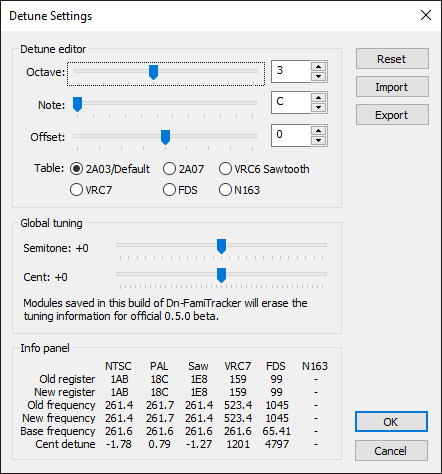
The detune settings dialog is used to manage the module's note tuning.
Reset
Resets the note table back to default values.
Import
Loads a comma-separated value (.csv) file containing
note pitch offsets.
Import
Saves current note pitch offsets to a comma-separated
value (.csv) file.
This allows the user to modify each individual note pitch offset, for any chip selected in the Table radio button list.
This allows the user to modify the global tuning and pitch offset. This affects the pitch in addition to all existing detune settings.